
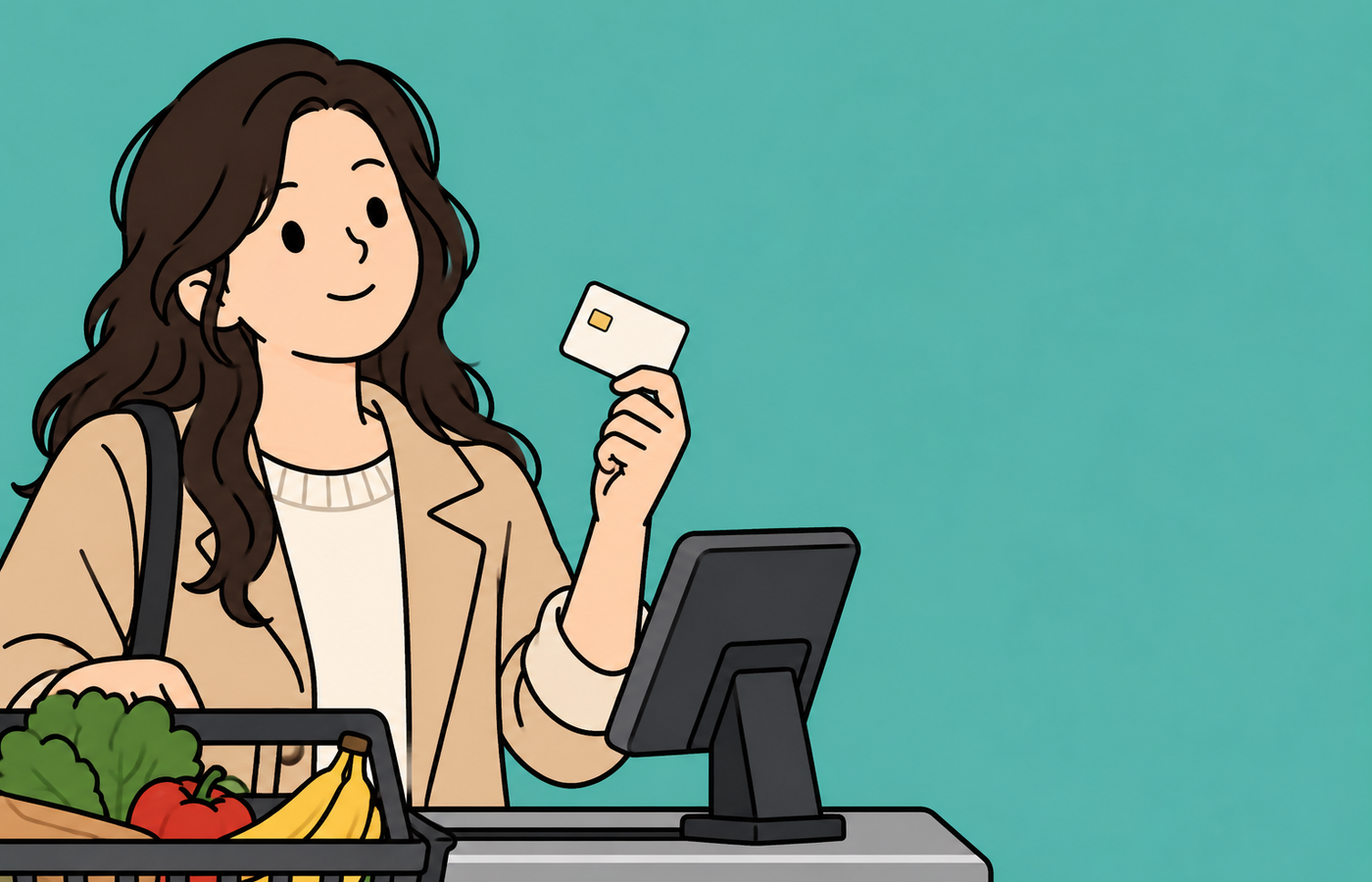
New Jersey is replacing the EBT cards used for food stamps (SNAP) and cash assistance (WFNJ) with chip-and-tap cards. In all counties except Cumberland, Essex and Mercer, old magnetic-stripe cards stop working on Oct. 20. The new cards arrive in a plain white envelope with a Kentucky return address, so they are easy to mistake for junk mail. If a new card is not activated by Nov. 20, it will also be shut off, and a fee may apply for a replacement. Balances transfer automatically once the new card is activated.
New Jersey households that receive food stamps (SNAP) should check the cards in their wallets now. As the state replaces EBT cards with new chip-enabled cards, old cards were blocked in most counties as of Oct. 20. Even if you have received a new card, if you have not activated it, your payment may be declined at the supermarket checkout.
Why the change: to prevent card data theft
The EBT cards used until now are swiped through a magnetic stripe on the back, so their data was easily stolen by skimming devices secretly attached to checkout terminals or ATMs. Victims suddenly discover that a month's worth of grocery money has been drained. New Jersey has one of the nation's highest EBT theft rates, with small grocery stores in Hudson, Essex and Passaic counties especially hard hit.
The new cards have a chip on the front like a credit card, and users simply insert them into the terminal or tap. The New Jersey Department of Human Services (DHS) said the chip card provides "an extra layer of security." About 750,000 New Jersey residents receive SNAP.
White envelope with a Kentucky address: Don't throw it away
New cards were mailed to all cardholders in July and August. The problem is the envelope. It comes not from the county welfare office but in a plain white envelope with a Kentucky address, and quite a few people have thrown it away, assuming it was junk mail. If you have not seen your card yet, search your mail again. If you still cannot find it, first check on NJFamiliesFirst.gov or the ConnectEBT app that the address on file is correct. If the address is wrong, correct it at MyNJHelps.gov or your county welfare office, then request a replacement card.
How to activate
You can activate your card in one of three ways: on the website NJFamiliesFirst.gov, with the ConnectEBT mobile app, or by phone at 1-800-997-3333. You will need the 16-digit number on the new card, the 3-digit security code on the back, the expiration date, your date of birth and your Social Security number. You will also set a new PIN during activation.
The moment you activate the new card, any SNAP and cash assistance balance remaining on your old card is automatically transferred to it. You do not need to spend down your old card's balance in advance, and your benefits will not disappear if the card is shut off. Because you cannot use both cards at the same time, cut up and discard the old card after activating.
Fees after Nov. 20
In counties other than Cumberland, Essex and Mercer, a new card that has not been activated by Nov. 20 will also be shut off. In that case, you must request a replacement from your county welfare office, and a fee may apply. Moreover, the card reissued at the county office is a temporary card without a chip, so you will have to swipe it until the chip card arrives by mail.
Habits to prevent theft
Switching to a new card is pointless if your PIN is compromised. The state recommends changing your PIN just before benefits are deposited each month and keeping your card "locked" in the app or on the website when you are not using it. In the lock menu, choose "Lock My Card Everywhere" to block online purchases as well. If you see a transaction you do not recognize, change your PIN immediately and report it to your county welfare office.
At stores that do not accept chip cards, the terminal will prompt you to swipe the card. If English instructions are difficult, you can request an interpreter from your county welfare office. For inquiries, call the EBT customer service center at 1-800-997-3333.